
Why Work at TDS?
Great Benefits
When you work for us, you'll enjoy a comprehensive benefits package including health insurance, paid time off, a retirement savings plan, and educational assistance. Our goal is to foster a work environment that facilitates the optimal work/life balance for you.
Read more about work-life balance and benefits at TDS.

Commitment to Inclusion
TDS has been named to several Forbes lists, including America's Best Employers for Diversity, Best Large Employers, and Best Employers for Women. TDS’ commitment to different backgrounds, experiences and perspectives centers on one of company’s core values — Investing in People. It’s truly about embracing and endorsing a workforce that is inclusive.
Read more on how inclusion and belonging are part of the TDS culture.


A Leading-Edge Technology Company
TDS provides world-class high-speed internet service and next-generation television and voice services throughout the U.S. We have complex business operations which provide diverse challenges and opportunities for people who love to create innovative solutions.
Read a message from our CEO.

Featured Jobs
Field Technician

Field Service Techs assist with on-site installations, troubleshooting, repairs and maintenance of telecommunications products and equipment that TDS sells and leases. They have direct, face-to-face contact with our customers and maintain a high level of customer service.
Sales

Our Sales team has positions across the United States, focusing on offering high-quality communication services to connect people and businesses. TDS has positions in consumer retail, direct and commercial sales roles, which feature uncapped commission opportunities for selling our top-notch products and services.
Construction & Service Enablement
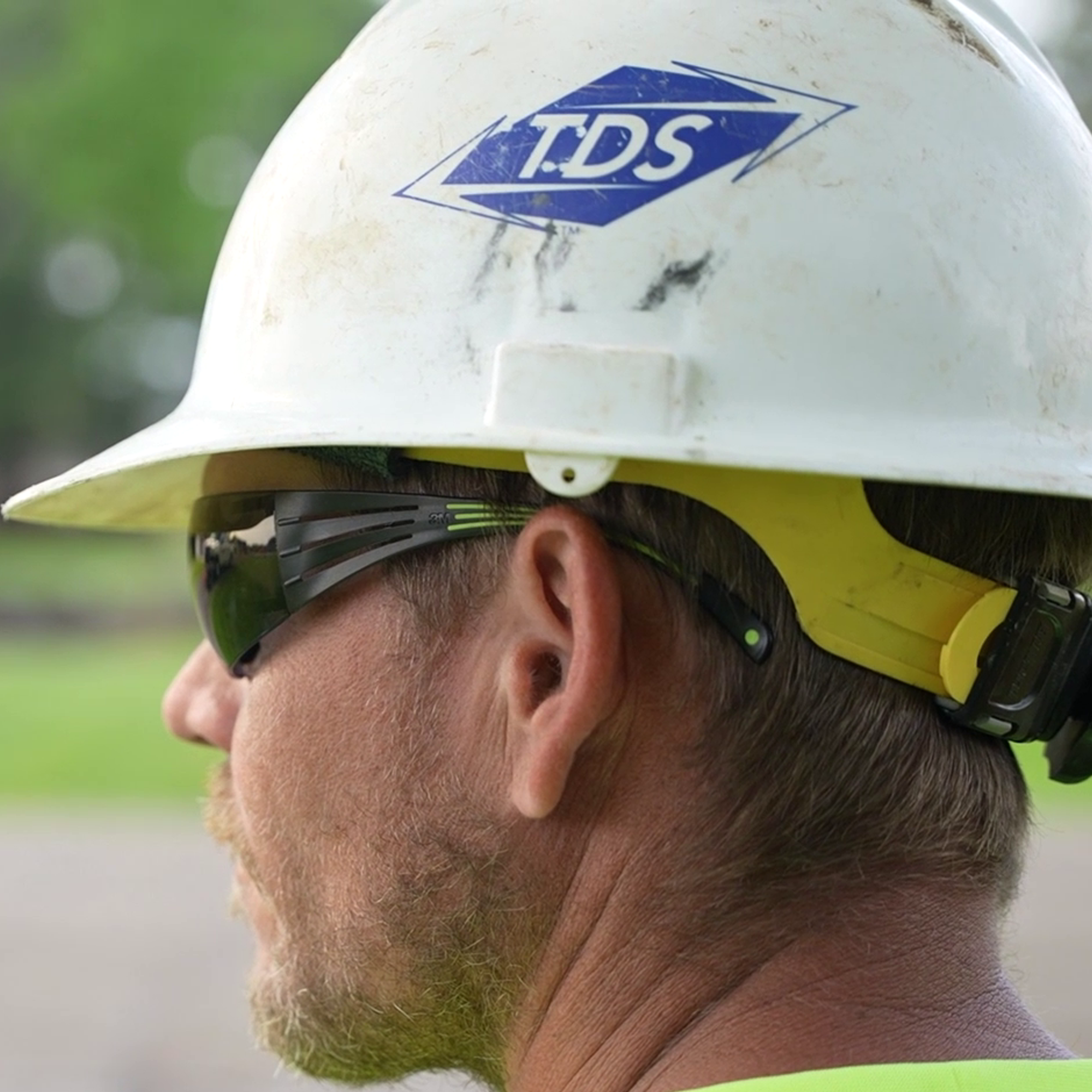
Our Outside Plant Construction teams build TDS’ PON/fiber optic networks, including up to 8 GB internet speeds to the home and up to 10 GB internet speeds to businesses. On-the-job training and exposure of Directional Drill Rigs, Mini Excavators, Fusion Splicing, OTDRs and other advanced testing equipment, plus in-house CDL training, helps to develop these teams as they bring TDS’ services to communities across the United States.
Other Opportunities
Are You Still in College?

Were You in the Military?

Frequently Asked Questions
To make changes to your personal information and/or resume, simply log into the application portal and click on the "Update Your Profile" button.
The length of the hiring process varies by position. Once the process has begun, a Talent Acquisition Specialist will contact candidates either via email, phone or text. Candidates are encouraged to check their junk mail regularly. For questions regarding the status of your application, please email careers@tdstelecom.com.
We are committed to ensuring a fair and accessible experience for all candidates. As part of this commitment, if you require a reasonable accommodation with any part of the application or interview process, please contact us at careers@tdstelecom.com.
Yes, applicants are welcome to apply to any position for which they meet the required qualifications and have an interest. If a position is posted at multiple levels, we recommend applying to all levels for which the minimum required qualifications are met.
Yes, a resume is required to apply to any open positions at TDS. We have created a step-by-step guide to help you with your resume creation process.
At TDS, we believe that difference makes us stronger.
At TDS we believe different backgrounds, experiences and perspectives make us stronger. We embrace Equal Employment Opportunity by valuing our differences and consider all qualified applicants without regard to race, color, religion, age, sex, sexual orientation, gender identity, national origin, disability, status as a protected veteran or any other status protected by law. We are stronger together!
If you wish to speak with us regarding assistance or an accommodation related to the application process, please contact us at careers@tdstelecom.com.
If you would like more information about your EEO rights as an applicant, please click on the links below:


Use of this website is governed by the Website Terms of Use at https://tdstelecom.com/policies/terms-of-use.html.
TDS Telecom®, TDS Metrocom®, TDS TV®, and TDS® are registered trademarks of Telephone and Data Systems, Inc. Fiberville® and USLink® are registered trademarks of TDS Telecommunications LLC. Other product and company names mentioned on the Site may be trademarks of those respective owners. All materials are provided for noncommercial personal use only.
TDS Telecommunications LLC is a subsidiary of Telephone and Data Systems, Inc.
Copyright © , TDS Telecommunications LLC, All Rights Reserved.